
Download DocShield – Secure Document Backup & Protection Tool for Windows
Overview
DocShield is a lightweight, trial‑version security utility designed specifically for legacy Windows environments such as Windows 98 and earlier. Since its introduction to the catalog in 2006, DocShield has helped a modest but dedicated user base protect critical documents from accidental loss, overwriting, or malicious alteration. The software occupies a fraction of the storage space typically required by modern backup solutions, making it an ideal choice for older machines with limited hard‑drive capacity.
Although its download numbers have plateaued, the program remains a reliable option for users who need a simple, “set‑and‑forget” approach to document safety. The current version (1.0) was last updated on March 15 2006, and it continues to be distributed in English only. With a focus on core functionality—automatic versioning, read‑only locking, and quick restoration—DocShield offers a no‑frills, secure way to keep essential files intact without the overhead of full‑system backup suites.
Key Features
- Automatic version control for every saved document.
- Read‑only lock mode to prevent accidental edits.
- One‑click restore to the last known good version.
- Minimal disk footprint – uses less than 5 MB of storage.
- Compatibility with Windows 98, Windows ME, and earlier.
- English‑only interface with clear, intuitive icons.
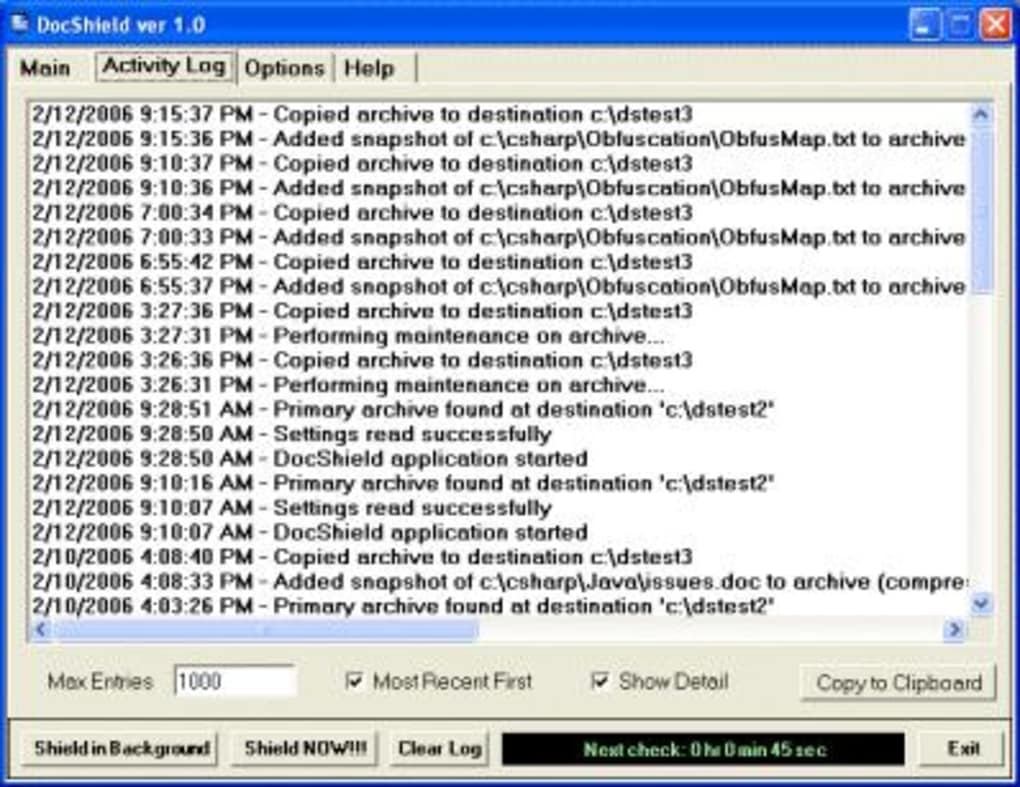
Each of these features is crafted to address the most common scenarios that lead to data loss on legacy systems. The automatic version control runs silently in the background, capturing a snapshot each time a document is saved. This ensures that users can revert to any previous state with a single click, eliminating the need for manual copy‑and‑paste backups.
The read‑only lock mode can be toggled on a per‑file basis, providing an extra layer of protection when documents are shared across multiple users or when they sit on a network drive prone to accidental overwriting. Because DocShield was built for older hardware, its engine is optimized for speed and low memory consumption, guaranteeing that the backup process does not interfere with everyday tasks. The straightforward English interface eliminates the learning curve often associated with more complex backup suites, allowing even non‑technical users to safeguard their files with confidence.
Installation, Usage & Compatibility
Step‑by‑Step Installation Guide
Installing DocShield is a breeze, even on machines that have seen better days. Begin by downloading the installer from the official site – the file is a compact .exe package under 5 MB. Once the download completes, double‑click the installer and follow the on‑screen prompts.
The wizard will ask for a destination folder; we recommend the default path to keep all related files together. Because the software targets Windows 98 and earlier, there is no need for modern runtime libraries or .NET frameworks – the installer includes everything required. After the installation finishes, a small icon appears on the desktop and in the Start menu, ready for immediate use.
How to Use DocShield Effectively
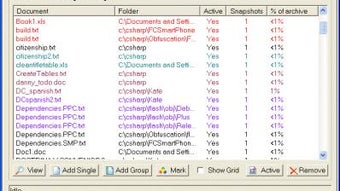
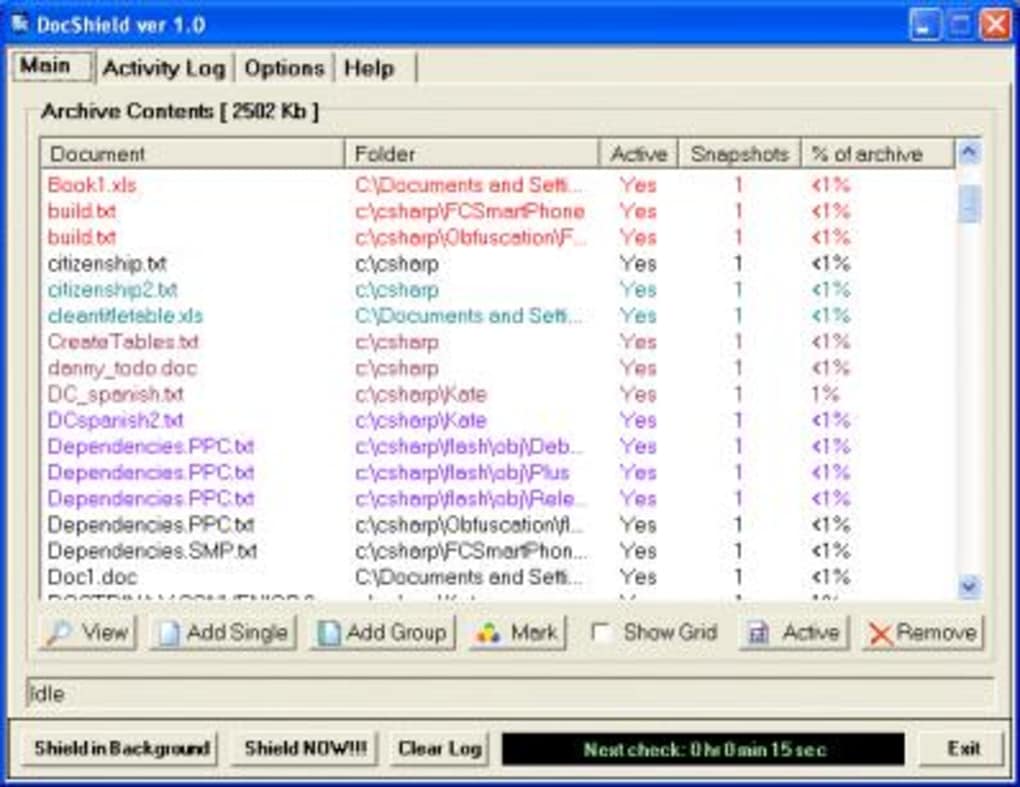
Upon launching DocShield, the main window presents a clean list of all monitored documents. To add a file, simply drag it into the window or use the “Add File” button. From that point onward, every save operation triggers an automatic backup, and the version history is displayed in a chronological timeline. To revert a document, select the desired version and click “Restore.” For users who need to lock a file, right‑click the entry and choose “Enable Read‑Only.” The application runs quietly in the system tray, providing status notifications without interrupting workflow. Periodic cleanup options are also available; users can configure how many past versions to retain, ensuring that storage never becomes an issue.
Compatibility: DocShield is fully compatible with Windows 98, Windows ME, and earlier versions of the Windows operating system. It does not support Windows XP or newer platforms, as the software’s architecture was specifically engineered for the legacy environment.
Pros and Cons
Pros
- Extremely low storage requirement – ideal for older PCs.
- Automatic versioning eliminates manual backup effort.
- Read‑only lock feature safeguards critical files from accidental edits.
- Simple, English‑only UI makes it accessible to non‑technical users.
- Runs silently in the background with minimal CPU usage.
Cons
- Limited to Windows 98 and earlier; not suitable for modern Windows versions.
- Only available in English – no localization for other languages.
- Trial version does not include advanced encryption or cloud sync.
- Last update was in 2006, so no recent feature enhancements.
- No dedicated mobile app for Android or iOS platforms.
Overall Verdict: DocShield remains a solid, no‑frills solution for protecting documents on legacy Windows machines. Its strengths lie in simplicity and low resource usage, while its limitations are tied to its age and lack of modern platform support.
Frequently Asked Questions (FAQ) & Conclusion
Is DocShield still safe to use despite being last updated in 2006?
Yes, for its intended purpose—basic document versioning on legacy Windows systems—DocShield does not rely on internet connectivity or external services, which reduces exposure to modern security threats. However, it lacks contemporary encryption, so it should not be used for highly sensitive data.
Can I use DocShield on Windows XP or newer operating systems?
No. DocShield was specifically built for Windows 98 and earlier. Attempting to run it on Windows XP, Vista, or later may result in compatibility errors or failure to launch.
How many versions of a document does DocShield keep by default?
By default, DocShield retains the last five versions of each monitored file. Users can adjust this setting in the Preferences menu to keep more or fewer versions based on storage availability.
Is there a way to export the version history for archival purposes?
DocShield includes an “Export History” function that creates a compressed ZIP file containing all stored versions of a selected document. This can be moved to external media for long‑term archiving.
Can I lock multiple files at once?
Yes. By holding the Ctrl key and selecting several entries in the main window, you can apply the read‑only lock to all chosen files in a single action.
Conclusion & Call to Action
If you are maintaining a vintage Windows workstation and need a dependable, low‑overhead solution to protect your most important documents, DocShield remains a practical choice. Its automatic versioning, simple read‑only lock, and tiny footprint address the core concerns of data loss without demanding modern hardware resources. While it does not offer the bells and whistles of contemporary cloud‑based backup services, its focused design makes it an effective safeguard for legacy environments. To experience the straightforward protection DocShield provides, download the free trial today and secure your files with a tool built for the era you’re still running.







